Lash Retailer Item Setup: 10 Product Data and Image Checks

Share
Lash retailer item setup is the controlled handoff of an approved SKU, GTIN, descriptions, attributes, dimensions, packaging information, images and launch dates to a retailer, marketplace or distributor. Build the submission from one authoritative master record, validate it against the physical product and channel template, and keep proof of what was accepted.
Lash Retailer Item Setup: Direct Answer
Before submitting a private-label lash item, verify ten areas: identity, description, variant, brand, GTIN, pack/measurements, origin and label facts, commercial dates, digital assets and approval ownership. Every value should match the current sample, packaging artwork and case hierarchy. When a channel transforms or rejects data, correct the source record and resubmit a controlled version instead of fixing fields anonymously inside the portal.
Use the lash product data sheet as the source, a retailer item setup checklist as release evidence, and a documented mapping for beauty product attributes that the destination channel names or formats differently.
Why an Approved Product Can Still Fail Item Setup
A lash product can pass sample and packaging approval yet fail retailer onboarding because the digital record does not describe the physical item consistently. One team may call a tray “C Curl Mixed,” another “Classic C 8–15 mm,” while the case label and image file use different SKU or GTIN values.
Typical failure points include:
- duplicate or invalid GTINs;
- mismatched brand and product names;
- incomplete curl, thickness or length attributes;
- unit and case dimensions entered in the wrong fields;
- missing country-of-origin or label information;
- image files that do not show the final packaging;
- incorrect first-order, ship or available dates;
- a retailer template populated from an obsolete spreadsheet;
- portal corrections that never return to the product master.
The GS1 US product image and attribute exchange guidance was developed for trading-partner commerce use and covers image practices plus hundreds of attributes across categories that include beauty. Channel-specific requirements still control the actual submission.
Ten Checks in a Lash Retailer Item Setup File
| Check | Minimum controlled data | Evidence source |
|---|---|---|
| 1. Product identity | Internal SKU, full product name and product type | Approved product master |
| 2. Variant | Curl, thickness, length/length range, color, finish and tray type | Approved sample/specification |
| 3. Brand | Primary brand and display spelling | Final artwork and brand authorization |
| 4. GTIN | Correct identifier for the sellable level | GTIN assignment record |
| 5. Pack hierarchy | Consumer unit, inner pack, case and quantities | Case-pack configuration |
| 6. Measurements | Product/package dimensions, unit and gross weight | Recorded final measurements |
| 7. Origin and label facts | Manufacturing origin and visible required/approved text | Final label proof and supporting records |
| 8. Commercial dates | First order, first ship, available and discontinue dates as needed | Launch plan and channel agreement |
| 9. Digital assets | Required hero, side, detail and packaging images | Approved asset manifest |
| 10. Ownership | Data owner, approver, revision, submission and acceptance evidence | Controlled item-setup log |
Do not populate retailer fields from memory. Each field should have one named source and an owner responsible for resolving conflicts.
Start With the Authoritative Master Record
The internal lash product master data record is the source; the retailer template is a downstream view. Map source fields to destination fields rather than creating a second uncontrolled master.
Use a mapping table such as:
| Source field | Retailer field | Transformation | Owner |
|---|---|---|---|
| Product name | Item name | Apply channel length/style rule | Product |
| Curl/thickness/length | Variant attributes | Use accepted values and units | Quality/product |
| GTIN | UPC/GTIN | Preserve leading zeros and validate digits | Data owner |
| Retail dimensions | Item dimensions | Convert units only through a checked formula | Packaging |
| Case quantity | Case pack | Pull from approved hierarchy | Logistics |
| Origin | Country of origin | Use controlled manufacturing facts | Compliance/import |
Control Product Names and Descriptions
Retailer names should distinguish the item without turning operational fields into promotional copy. Keep the brand, product type and variant consistent.
A practical structure is:
Brand + product type + curl + thickness + length format + count/pack
For example, an operational name might be “LASHMAITRE Classic Lash Tray, C Curl, 0.15 mm, Mixed 8–15 mm, 16 Rows.” The public merchandising title may be shorter, but it must still point to the same SKU and GTIN.
Keep claims, benefits and marketing messages separate from factual identifiers. Any cosmetic, safety, performance, origin or sustainability claim requires appropriate review and evidence for the target market.
Verify Measurements and Pack Data
Retailers may request both product and consumer-package measurements, plus case dimensions and weights. Define the measurement object and unit explicitly.
Before submission:
- Measure the final packaged sellable item.
- Record height, width and depth using the channel's orientation rule.
- Record net content or unit count where applicable.
- Weigh the sellable item and shipping case with final packaging.
- Link the child item to the approved hierarchy and the existing lash carton-label guide.
- Convert units through a checked calculation, not manual retyping.
- Compare the values with artwork, the carton label and logistics quote.
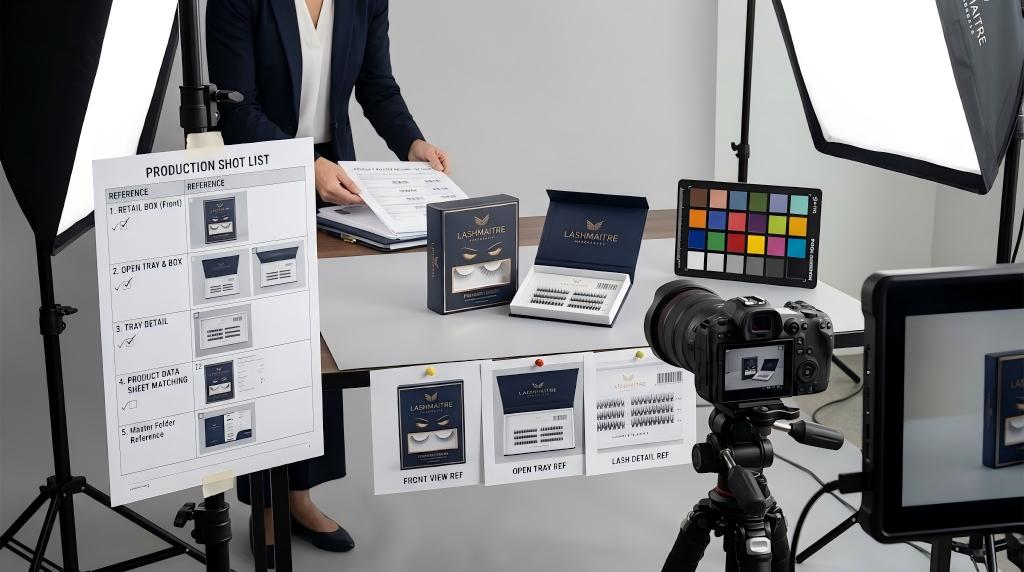
Build a Retail-Ready Image Package
The current GS1 US image and attribute guideline PDF covers still shots, backgrounds, file naming, image metadata and attribute definitions. A channel may impose different specifications, so confirm its template before producing assets.
A lash asset manifest should record:
- filename and asset type;
- SKU and GTIN represented;
- product/packaging revision;
- view: front, back, side, open tray, detail or scale;
- background and crop requirement;
- pixel dimensions, color mode and file format;
- approval owner and date;
- channels receiving the asset;
- replacement or retirement status.
The image must show the same product and packaging version described by the data. Do not reuse a pre-production mockup after the barcode, text, color or structure changes.
Use a Submission and Acceptance Log
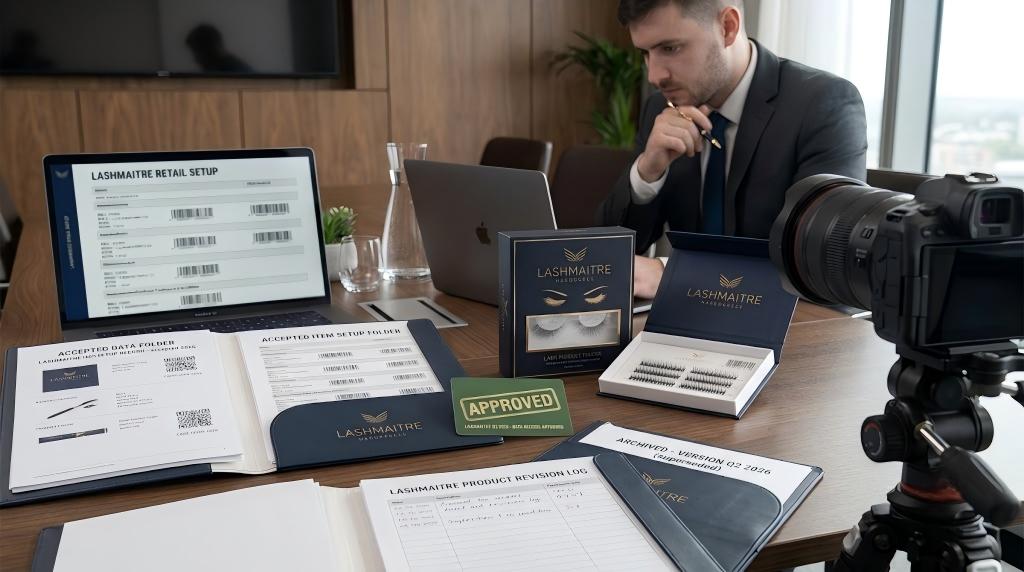
Track each handoff as a versioned event:
| Log field | Purpose |
|---|---|
| Channel and account | Identifies the recipient and requirements |
| Template/version | Proves which schema was used |
| SKU/GTIN scope | Defines included items |
| Submitted by/date | Establishes accountability |
| Validation result | Records automated or manual errors |
| Correction | Shows what changed and why |
| Accepted by/date | Confirms completion |
| Portal/listing URL or ID | Connects the accepted record |
| Next review trigger | Product, packaging, price, image or status change |
When a channel rejects a field, determine whether the source data is wrong, the mapping is wrong or the channel requires a special value. Correct the appropriate layer and preserve the rejection evidence.
Retailer Item Setup Workflow
Step 1: Freeze the approved product
Confirm the sample, specification, packaging artwork, GTIN and pack hierarchy.
Step 2: Obtain the current channel template
Record required fields, allowed values, units, image specifications, dates and validation rules.
Step 3: Map and populate
Pull from the product master, apply documented transformations and prohibit anonymous edits.
Step 4: Validate against the physical product
Compare the submission with the final package, barcode scan, measurements, label facts and case pack.
Step 5: Submit and resolve errors
Classify every error, correct the source or mapping and resubmit a new controlled version.
Step 6: Verify the live or accepted record
Check the final title, images, variant, pack quantity and identifier; retain acceptance evidence.
Common Item Setup Failures
- Leading zeros disappear from a GTIN in a spreadsheet.
- Product and case dimensions are swapped.
- The portal contains a corrected value that is absent from the master.
- Images show an old packaging version.
- Curl, thickness or length units are inconsistent.
- A mixed assortment is submitted as a single homogeneous item.
- The item is marked available before inventory or packaging is ready.
- A discontinued SKU remains open for ordering.
- The same asset filename is reused for a different product revision.
- No one verifies the accepted listing after submission.
Lash Retailer Item Setup FAQ
What data does a retailer need to set up a lash SKU?
Requirements vary, but common groups include product and brand identity, variant attributes, GTIN, pack hierarchy, dimensions, weight, label/origin facts, commercial dates, images and ownership/approval data. Use the retailer's current template.
Is retailer item setup the same as product master data?
No. Product master data is the authoritative internal record. Item setup is a mapped submission to a specific retailer or trading partner. Corrections should flow back to the correct source when necessary.
Which images should a lash brand prepare?
Prepare the views and technical specifications required by the target channel, commonly a clean primary image plus packaging, side/back and product-detail views. Every image must represent the approved SKU and packaging revision.
How can brands prevent GTIN errors in spreadsheets?
Store identifiers as controlled text values, preserve leading zeros, validate check digits where appropriate and compare the final export with the authoritative assignment record before upload.
What should happen after a retailer accepts the item?
Verify the accepted or live record, save its channel ID or URL, retain submission evidence and define triggers for review when product, packaging, images, pack quantity or status changes.
Conclusion: Submit Once, Correct at the Source
Reliable lash retailer item setup converts approved product evidence into a channel-ready data and image package. Map ten controlled areas, validate the physical item, resolve errors at the correct layer and verify what the trading partner accepted.
Review LASHMAITRE lash extension samples, LASHMAITRE lash quality control and private-label services, then send an inquiry with the approved SKU master, target channel template, required assets, packaging level and launch date.
After product data and images are accepted, use a controlled lash retailer compliance checklist to verify the PO, case pack, labels, routing, ASN, timing and release evidence before the first shipment.

Lash Maitre: Your Trusted Partner in Eyelash extension Solutions
Lash Maitre is dedicated to providing professional insights and tips in the eyelash extension industry. Sharing the latest trends, techniques, and product knowledge, Lash Maitre helps lash artists and enthusiasts enhance their skills, stay inspired, and achieve the perfect lash experience.